


Course Fees

370,000 0r USD 1000

Duration

4 Weeks

Delivery Mode

Hybrid (Physical and Online)

Introduction to Multi-Media

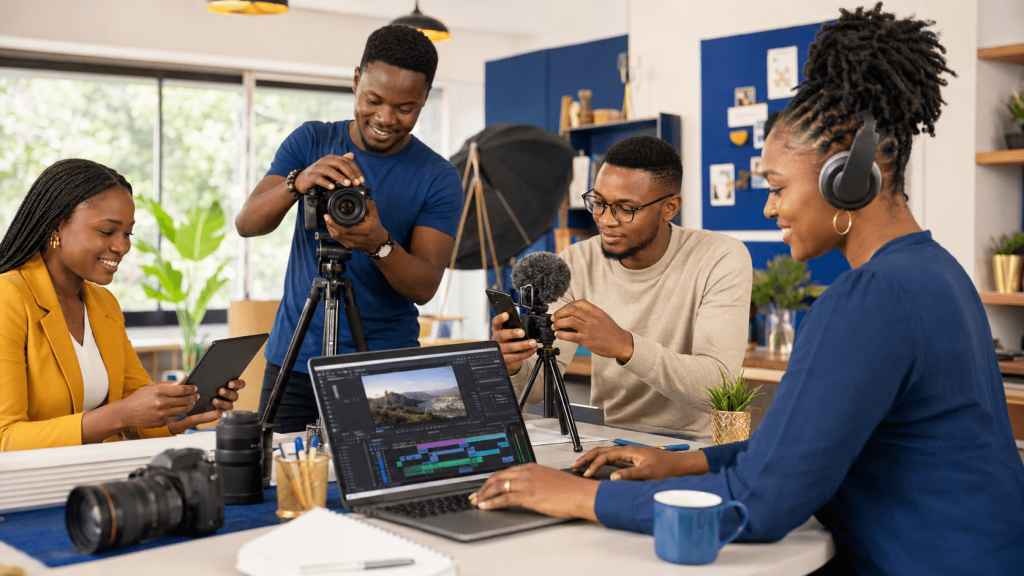
In today’s digital environment, multimedia skills are essential for communicating information and ideas clearly, creatively, and effectively. This course introduces participants to the fundamental principles and tools used to combine text, images, audio, video, graphics, and animation into engaging digital content.

Through live sessions, pre-recorded lessons, practical exercises, and group discussions, participants will develop hands-on skills in multimedia content creation and production. By the end of the course, they will be able to plan, create, edit, and present multimedia projects confidently in academic, professional, and creative settings.

Target Audience

  • Students and recent graduates
  • Teachers, trainers, and other education professionals
  • Communication and public relations professionals
  • Content creators and social media managers
  • Marketing and advertising professionals
  • Journalists and media practitioners
  • Entrepreneurs and small-business owners
  • Graphic design and photography beginners
  • Anyone interested in developing practical multimedia production skills

What you'll Learn

Week Lesson Topics Covered Practical Activity/Output
Week 1 1. Introduction to Multimedia Meaning and purpose of multimedia; multimedia elements; areas of application; multimedia production process; examples of multimedia products. Identify and evaluate multimedia elements used in selected digital products.
Week 1 2. Multimedia Planning and Storytelling Understanding the target audience; defining objectives; content planning; scriptwriting; storyboarding; organising multimedia projects. Develop a concept, short script, and storyboard for a multimedia project.
Week 2 3. Digital Images and Graphic Design Image types and formats; resolution and dimensions; composition; colour; typography; basic image editing; visual design principles. Design and edit a poster, social media graphic, or presentation visual.
Week 2 4. Audio Recording and Editing Types and uses of audio; recording techniques; microphones; voice-over production; sound quality; basic audio editing; audio file formats. Record and edit a short voice-over or audio presentation.
Week 3 5. Photography for Multimedia Camera and smartphone photography; framing; lighting; angles; composition; image selection; basic photo enhancement. Capture and edit a series of photographs for a multimedia story.
Week 3 6. Video Production and Editing Video planning; camera shots and movements; lighting; recording; sequencing clips; transitions; captions; basic video editing and export. Produce and edit a short video with titles, sound, and transitions.
Week 4 7. Animation and Interactive Multimedia Introduction to animation; motion graphics; transitions; interactive presentations; combining text, graphics, audio, and video. Create a simple animated or interactive multimedia presentation.
Week 4 8. Multimedia Publishing and Presentation Integrating multimedia elements; file optimisation; copyright and responsible media use; accessibility; publishing platforms; presentation techniques. Complete, present, and receive feedback on a final multimedia project.